Sell Lightroom presets online
Prepare an original preset pack with honest before-and-after previews, tested compatibility and installation notes. Give photographers a clear offer.
Prepare your store
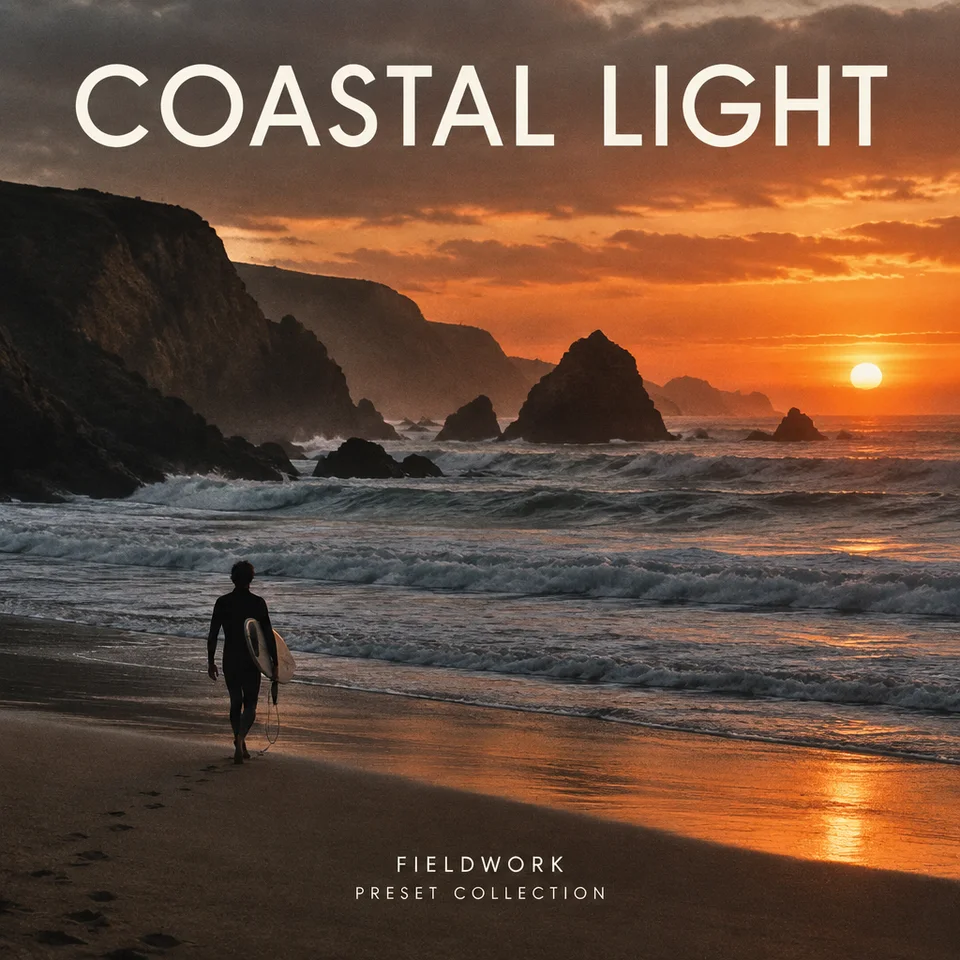
A preset pack with an honest test set
An illustrative offer: six original presets for outdoor portraits, an install guide and notes on lighting and white-balance adjustments. List only the Lightroom versions and devices you actually tested. Use the same source photo for each before-and-after pair.
View an illustrative storefrontPreset pack checklist
- Your original preset files in the formats you exported and tested.
- A numbered installation PDF for each supported workflow.
- Matched before-and-after previews with the same crop.
- A compatibility and license read-me, including exclusions.
From finished files to a clear offer
1. Build a coherent look
Choose a shooting situation you know. Test the presets across different exposures, skin tones and lighting. Explain where the look needs manual adjustment rather than promising one-click results on every photo.
2. Export presets you can distribute
Use Adobe's current export instructions for your version. Adobe documents XMP and DNG import workflows; requirements differ by app. Include only your own presets or material you have permission to redistribute, and test the exact exported pack.
3. Write installation and compatibility notes
Name Lightroom or Lightroom Classic explicitly, along with tested versions and desktop or mobile workflow. State whether another app, subscription or account is needed. Include troubleshooting for missing profiles and settings.
4. Show the effect, then prepare the store
Use original photos or licensed images. Label before and after clearly, keep crops identical and disclose other edits. Upload the finished pack and review current selling readiness before sharing a paid link.
Avoid these packaging mistakes
- Claiming mobile and desktop support without testing both.
- Comparing different photos or exposures as a before-and-after pair.
- Redistributing a third-party preset or profile without permission.
- Omitting installation notes because the creator already knows the steps.
Price it with the costs in view
Use your product price, creation cost and entered processing rate to compare Aksara plans. First-month break-even shows the sales needed to cover those assumptions. It does not predict demand.
Use the free pricing calculatorQuestions before you launch
What files should a Lightroom preset pack contain?
Include your exported preset files, tested installation instructions, compatibility notes and a license. The exact XMP or DNG workflow depends on the Lightroom app and version. Verify it using Adobe's current guidance.
Can I sell presets from my Instagram bio?
You can direct your audience to a product page from your bio. Use a post that demonstrates the same look the pack delivers, and state compatibility on the page. Confirm live purchase availability first.
Should I promise that presets work on every photo?
No. Lighting, camera profiles, exposure and white balance affect the result. Show varied examples you tested and explain the adjustments buyers may need.
Check the current app instructions
Source review: October 11, 2026. Test your actual files on the version you promise to support.